
Sell buffet at the POS
1
Open the Buffet tab
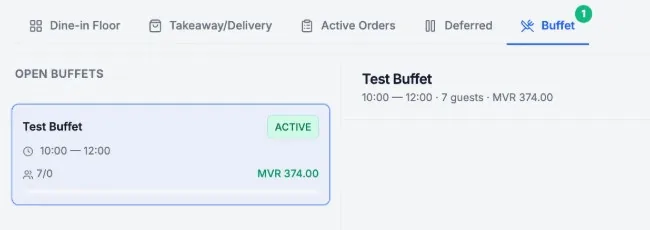
1/51Click Buffet
2Pick the open buffet
2
Charge counter guests
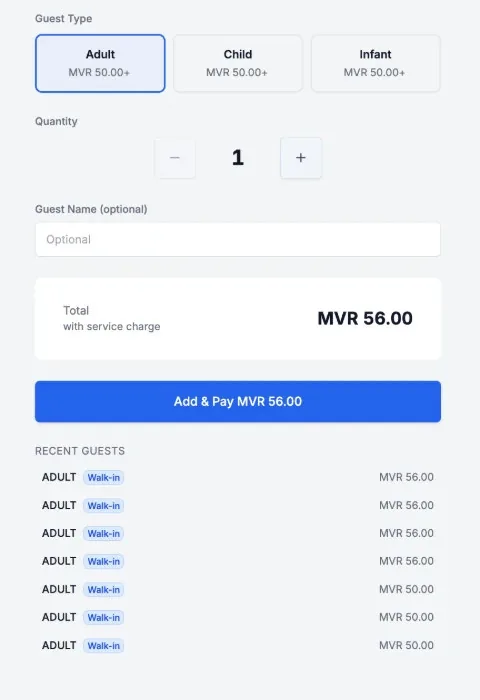
2/51Pick the guest type
2Set the Quantity
3Click Add & Pay
Closing payment adds no guests
3
Add guests to a table
3/51The Buffet card
2Tap a guest tile
Open the Buffet card in the table menu
4
Check the table bill
4/51Buffet guests on the bill
2Add Items for more rounds
Add drinks and dishes as usual
5
Pay the table bill
5/51Click Pay
Guests join the buffet once paid
Sold and counted
Guests show in Buffet Manager