Set a duty roster
Before you start
A preset for the hours
The person in this unit

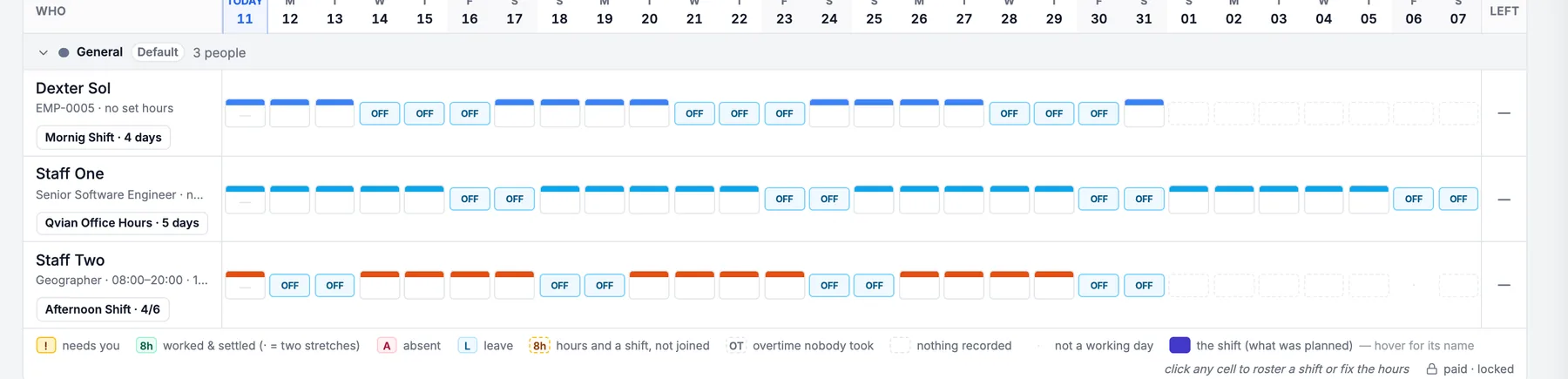
Attendance on Next 4 weeks
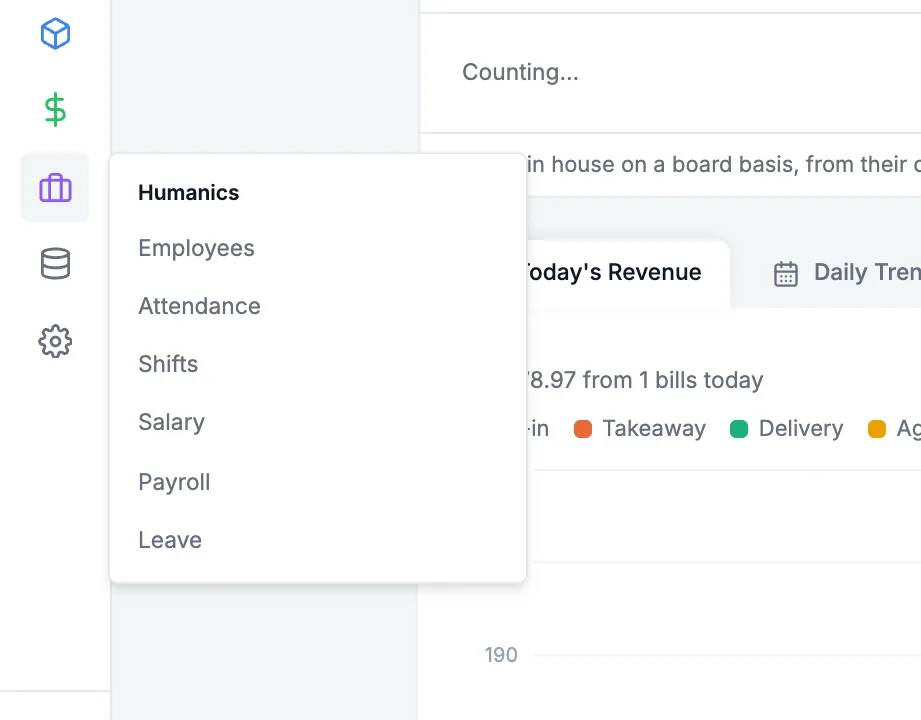
Open Shifts
1/91Point to Humanics
2Click Shifts
Add a preset
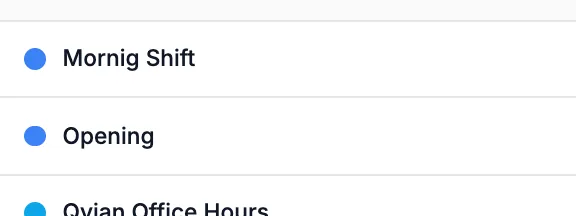
2/91Click New presetA preset is a named block of hours. Its times are copied onto each day, so editing it later never changes days already rostered.
Have the presets you need? Skip to step 4
Name it, set the hours
3/91Type a NameThe Code fills itself in from the name.
2Set Starts and Ends
3Click Create preset
Ends before Starts makes it overnight
Open Attendance
4/91Click Next 4 weeksA roster is built in the weeks ahead, so the grid has to show them. This month works too.
Humanics › Attendance in the sidebar
Open their duty
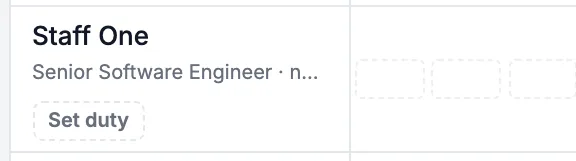
5/91Click Set dutyIt sits under the person's name. Once a duty exists it reads like "Morning · 5 days" and opens the same sheet.
Already set? The button shows the pattern
Tap a working day
6/91Tap SunAny day they normally work. Each day reads "off" until it has a shift.
Pick the shift
7/91Tap the preset
2Or Other hoursType a start and end for a one-off block. If the list is empty, there are no presets yet: set them up under Shifts first.
Repeat for each working day
Choose how far ahead
8/91Pick 4 weeksHow much of the calendar is written now.
2Keep going after thatLeave it on: every night the missing days are added, and a day you set by hand is never changed. Off, it stops after the weeks you picked.
Off, it stops after those weeks
Save
9/91Click SaveIt reads "Pick some days first" until a day has a shift, and stays off while a day carries two regular shifts.
Greyed out? A day still needs a shift
Not the same days every week?
Same days every week?
On the calendar
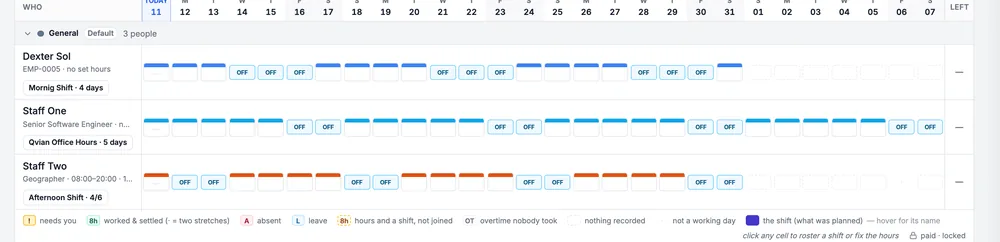
28 days rostered and topped up nightly