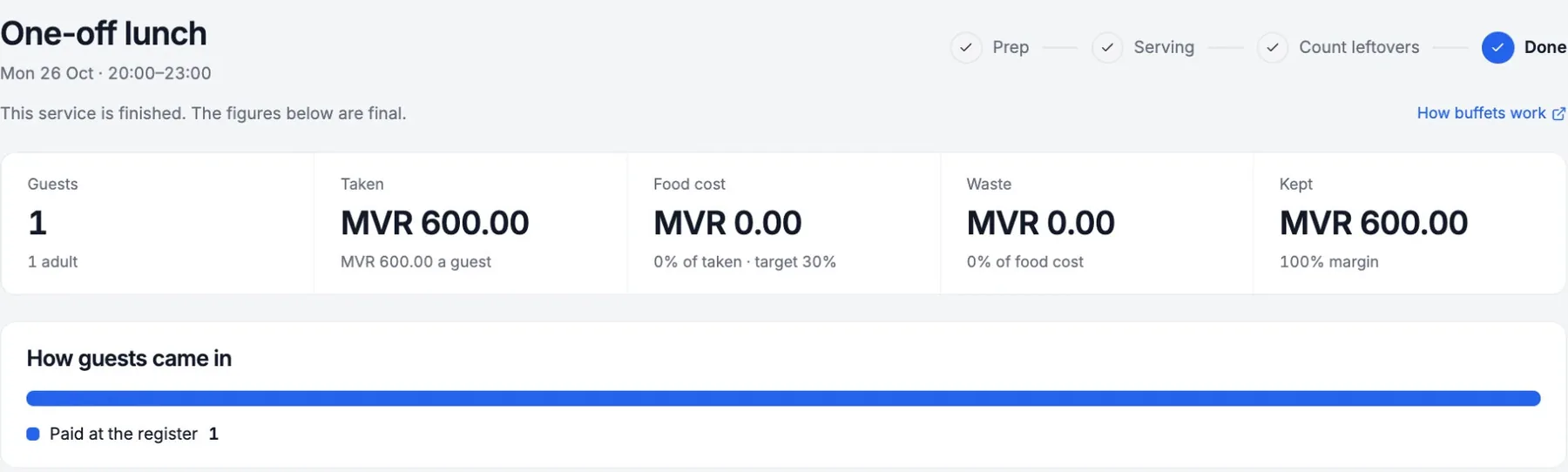
Run a buffet
Two ways to price
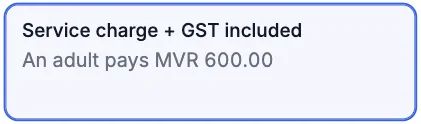
Included
- Price shows as
- MVR 600.00
- An adult pays
- MVR 600.00
- Service charge, GST
- Inside the price
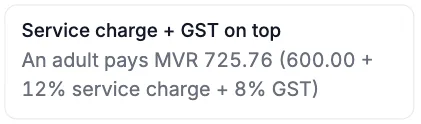
On top
- Price shows as
- MVR 600.00+
- An adult pays
- MVR 725.76
- Service charge, GST
- Added at payment
1
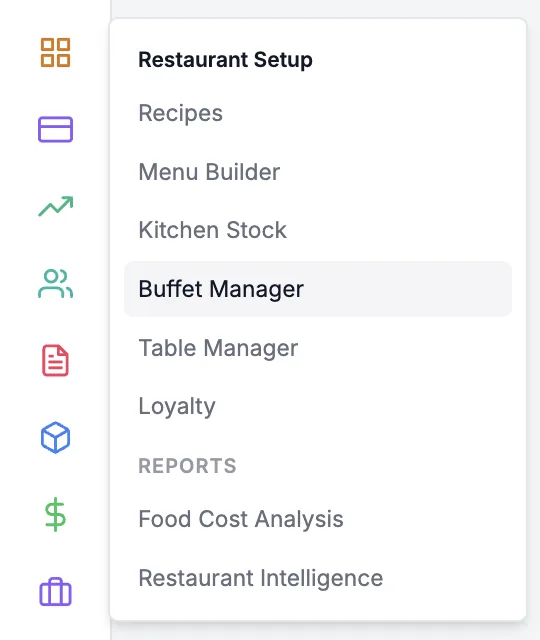
Open Buffet Manager
1/101Point to the setup icon
2Click Buffet Manager
2
Start a one-off buffet
2/101Click One-off buffet
Saved buffets show here with Start prep
3
Set times and prices
3/101Pick the Meal
2Set Starts and Ends
3Type prices, pick Tax
4
Choose the charges
4/101Pick a Charges option
2Click Create and start prep
5
Add the dishes
5/101Tick each dish
2Check the station
Then click Add dishes at the bottom
6
Cook, then open
6/101Cook the To make amount
2Change Made if different
3Click Open buffet
7
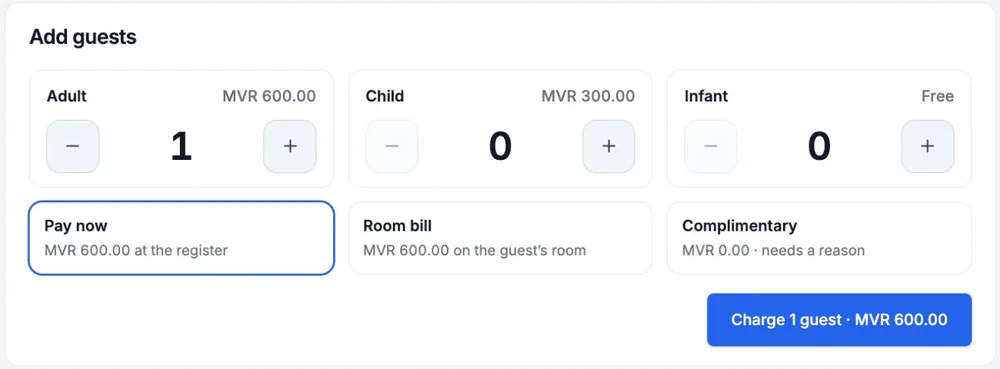
Charge the guests
7/101Tap + for each guest
2Pick Pay now
3Click Charge
Needs an open register on this device
8
Take the payment
8/101Pick how they pay
2Click Pay
Closing it adds no guests
9
Refill, then close
9/101Click Refill after topping up
2Click Close buffet
10
Count the leftovers
10/101Type what is Left
2Click Finish
Empty tray? Leave it blank
Service done
Food cost and waste are saved